Electronic Emporium
Home › Blog › The Ultimate Guide to Studio Monitors: Everything You Need to Know
Buying Guide⏱️ 2 min read💬 0 comments2025-01-22

The Ultimate Guide to Studio Monitors: Everything You Need to Know
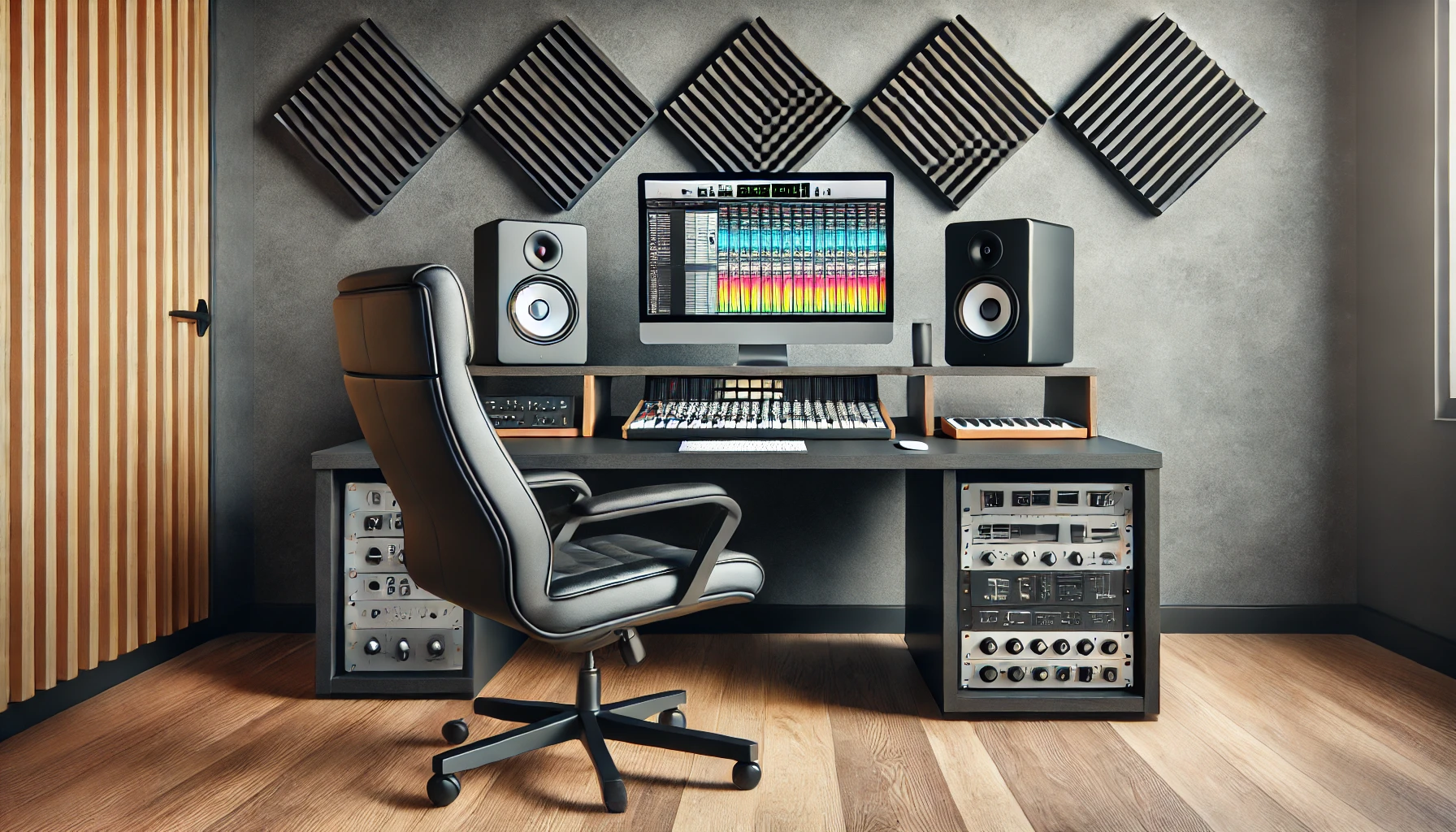
The Ultimate Guide to Studio Monitors: Everything You Need to Know

Studio monitors are an essential piece of equipment for anyone involved in audio production, from professional sound engineers to home studio enthusiasts. Unlike regular speakers, studio monitors are designed to deliver accurate, uncoloured sound, allowing you to hear your audio as it truly is. A mix made on accurate monitors translates better to phones, car stereos and earbuds.

Active or passive monitors

  • Active (powered) monitors have amplifiers built in, each matched to its driver by the manufacturer. You connect them straight to your audio interface. Almost all home and project studios use active monitors.
  • Passive monitors need a separate amplifier. They are now mostly found in larger, established studios.
  • Choosing the woofer size

    The woofer size affects how low the monitor plays and how loud it can go cleanly. Bigger is not automatically better: a large monitor in a small, untreated room can produce more boomy bass problems, not fewer.

  • 4 to 5 inch woofers: small bedrooms and desktop setups.
  • 6 to 7 inch woofers: medium rooms and producers working on music with more low end.
  • 8 inch woofers: larger rooms with space behind the speakers.
  • Inputs and controls

    Check that the monitors accept balanced inputs (XLR or TRS), which reject noise over longer cable runs. Many monitors also have room-compensation switches that reduce bass when the speakers are close to a wall or a desk; use them to suit your room rather than leaving them at default.

    Placement makes the biggest difference

  • Form an equilateral triangle: the two monitors and your head are the three corners, with the monitors angled towards you.
  • Put the tweeters at ear height when you are seated.
  • Keep the monitors a little away from the wall behind them, especially if they have rear bass ports, and avoid placing them in room corners.
  • Set the desk so that the room is symmetrical left to right.
  • Isolation and room treatment

    Placing monitors directly on a desk lets the desk vibrate and blur the bass. Use stands or isolation pads. In a bare room, soft furnishings such as rugs, curtains and a bookshelf reduce echo; acoustic panels at the first reflection points on the side walls and behind the monitors help even more.

    Do you need a subwoofer?

    Most small monitors do not reproduce the lowest octave of bass. If you produce music with a lot of low end and your room is large enough, a matched studio subwoofer helps you hear it. In a small, untreated room, it is usually better to check the low end on good headphones first.

    Studio monitors or headphones?

    Use both. Monitors show you how a mix sounds in a room and are more comfortable for long sessions; headphones reveal small details and help in rooms with acoustic problems. Checking your mix on both, and then on a phone or car stereo, is the most reliable way to work.

    Browse our studio monitors and audio interfaces, or read our home studio starter guide.

    Need gear for the setup in this guide?

    Our audio experts will recommend the right gear for your setup.
    Comments (0)

    Leave a comment
    Be the first to comment.

    Related Articles

    Editor's picks

    Top Rated Gear

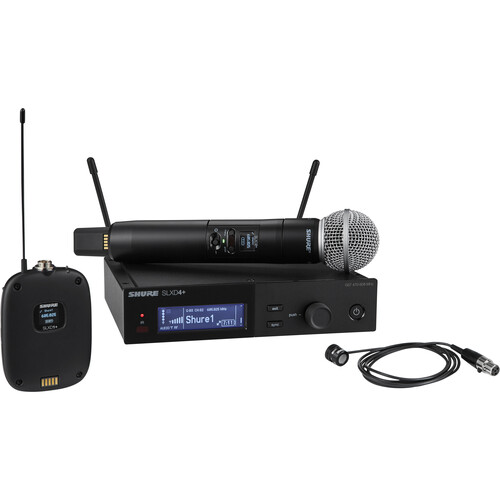
    Shure SLXD124+/85M Wireless Handheld and Lavalier Microphone Combo System
    Shure
    Shure SLXD124+/85M Wireless Handheld and Lavalier Microphone Combo System
    ★★★★★5(0)
    ₹1,20,999
    excl. GST · +18% at checkout
    View
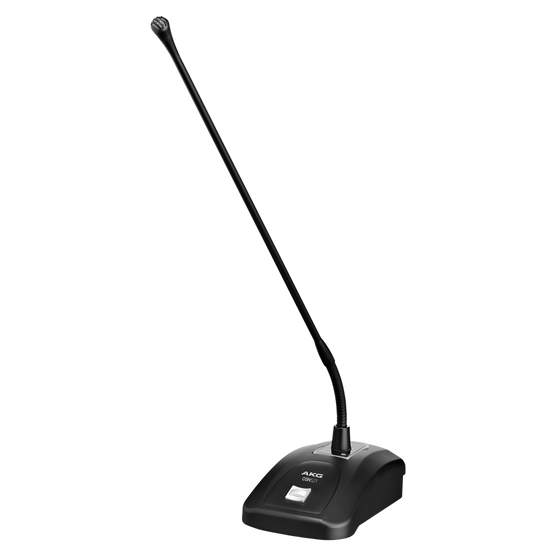
    AKG CGN521STS Gooseneck Microphone
    AKG
    AKG CGN521STS Gooseneck Microphone
    ★★★★★5(0)
    ₹22,999
    excl. GST · +18% at checkout
    View
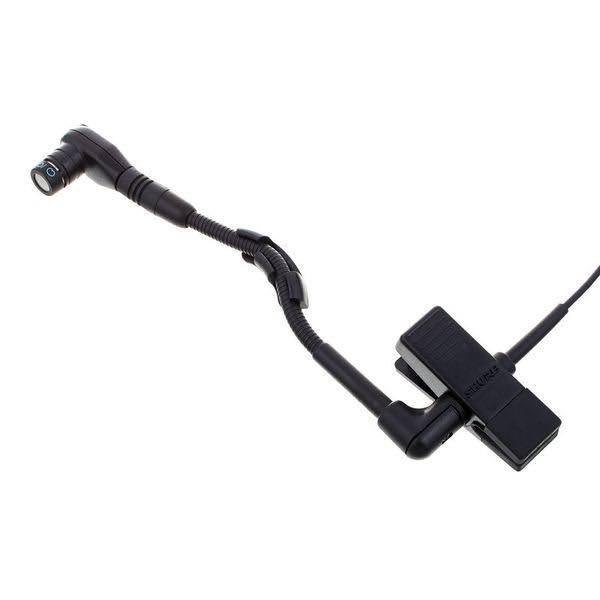
    Shure WB98H/C Cardioid Clip-On Instrument Microphone For Shure Wireless
    Shure
    Shure WB98H/C Cardioid Clip-On Instrument Microphone For Shure Wireless
    ★★★★★5(0)
    ₹18,599
    excl. GST · +18% at checkout
    View
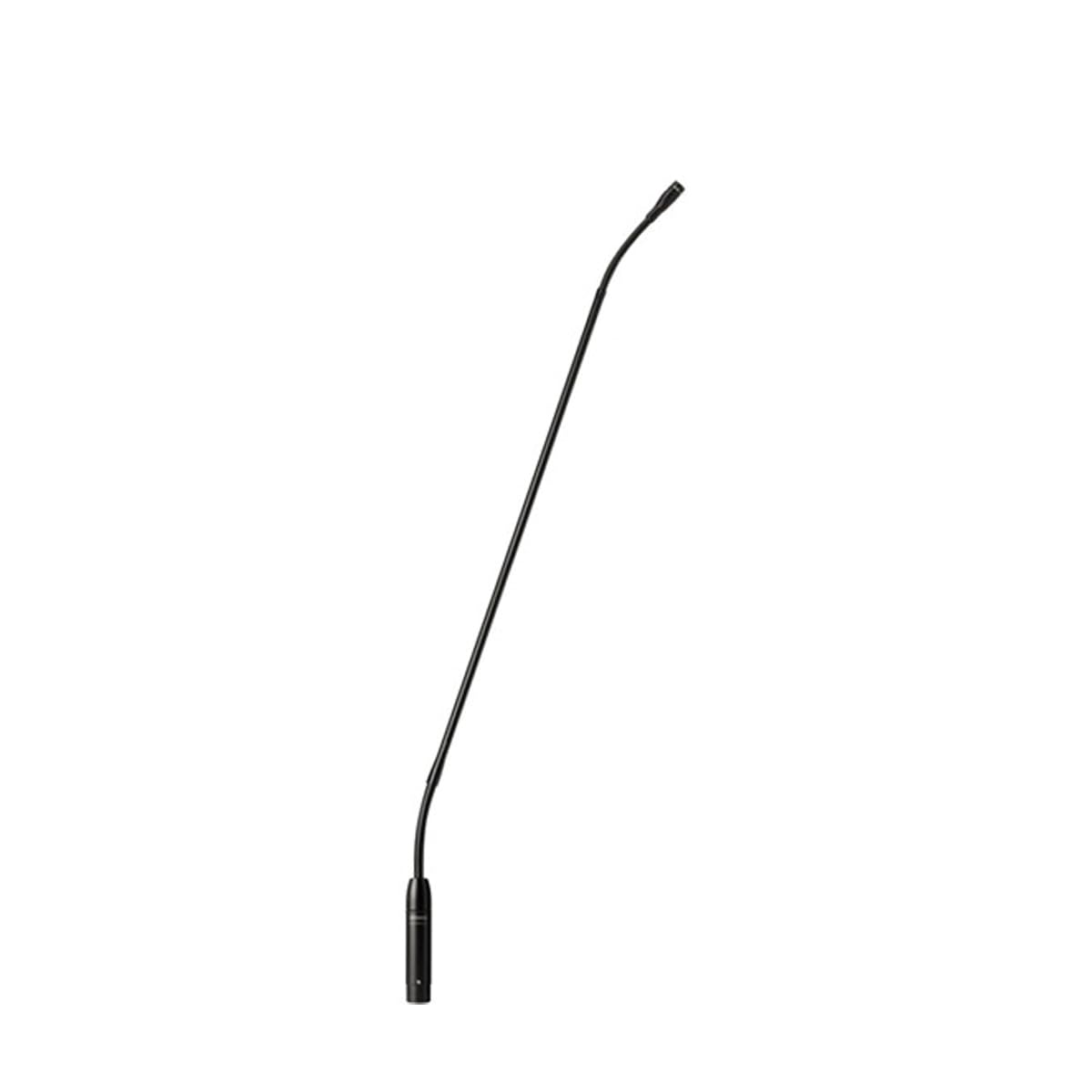
    Shure MX424/C Gooseneck Microphone
    Shure
    Shure MX424/C Gooseneck Microphone
    ★★★★★5(0)
    ₹23,299
    excl. GST · +18% at checkout
    View
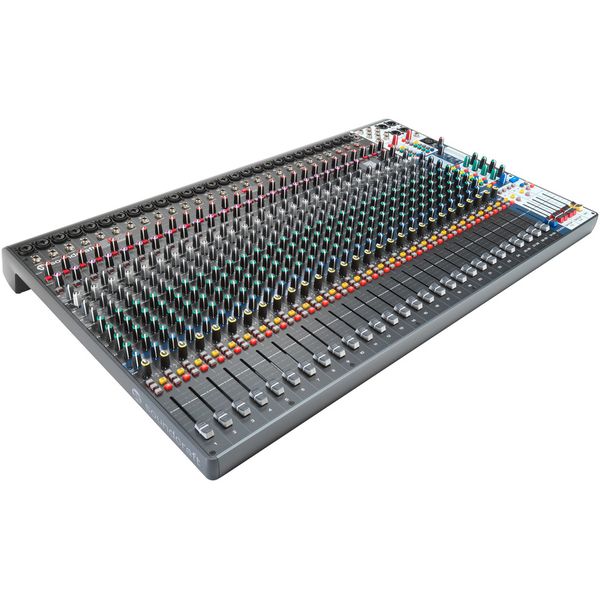
    Soundcraft Signature Plus 32 Analog Mixing Console
    Soundcraft
    Soundcraft Signature Plus 32 Analog Mixing Console
    ★★★★★5(0)
    ₹1,00,999
    excl. GST · +18% at checkout
    View
    Soundcraft Signature Plus 22 Analog Mixing Console
    Soundcraft
    Soundcraft Signature Plus 22 Analog Mixing Console
    ★★★★★5(0)
    ₹98,299
    excl. GST · +18% at checkout
    View
    Soundcraft Signature Plus 16 Analog Mixing Console
    Soundcraft
    Soundcraft Signature Plus 16 Analog Mixing Console
    ★★★★★5(0)
    ₹49,999
    excl. GST · +18% at checkout
    View
    Soundcraft Signature Plus 12 Analog Mixing Console
    Soundcraft
    Soundcraft Signature Plus 12 Analog Mixing Console
    ★★★★★5(0)
    ₹45,999
    excl. GST · +18% at checkout
    View
    Shure SM4 Kit Home Recording Microphone
    Shure
    Shure SM4 Kit Home Recording Microphone
    ★★★★★5(0)
    ₹25,999
    excl. GST · +18% at checkout
    View